Article -> Article Details
| Title | How to Build a WhatsApp Agent for Free: Step-by-Step Full Guide By Amigoways |
|---|---|
| Category | Business --> Information Technology |
| Meta Keywords | WhatsApp Agent, WhatsApp AI Agent, WhatsApp chatbot, WhatsApp Business API, WhatsApp AI chatbot, Build WhatsApp chatbot, WhatsApp automation, WhatsApp chatbot development, AI chatbot for WhatsApp, WhatsApp customer support automation |
| Owner | Amigoways Technologies Private Limited |
| Description | |
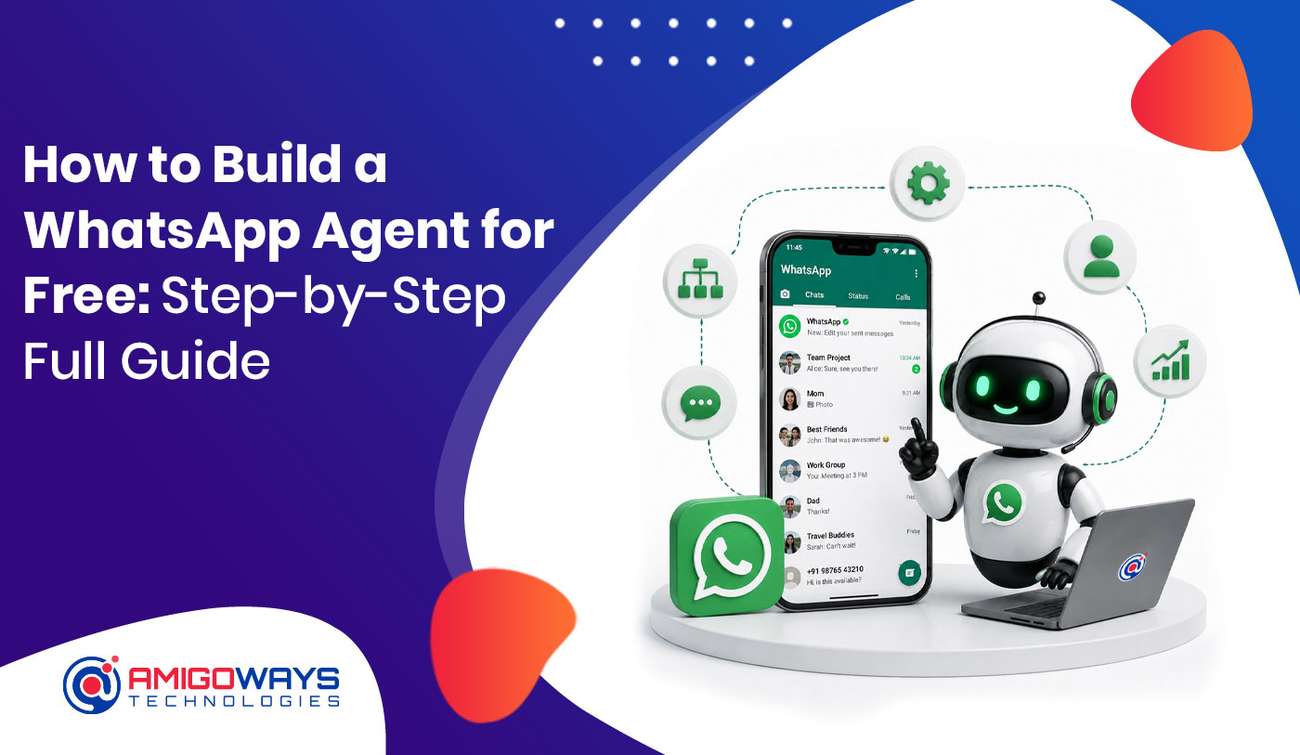 WhatsApp has become one of the most important communication channels for businesses. Customers use WhatsApp to ask questions, check product availability, request quotations, track orders, book appointments, and contact customer support. For businesses, answering every message manually can take a significant amount of time. This is where a WhatsApp Agent can help. A WhatsApp Agent can automatically respond to customer questions, provide business information, collect leads, search products, check order details, and transfer conversations to a human support representative when required. The good news is that you can start developing a WhatsApp Agent using free and open-source development tools. However, a production WhatsApp automation system may involve costs related to WhatsApp services, hosting, AI APIs, databases, or third-party integrations. In this complete guide, Amigoways explains how to build a WhatsApp Agent step by step, what technologies you need, how the architecture works, and how you can gradually turn a basic chatbot into a powerful business automation solution.  What Is a WhatsApp Agent?A WhatsApp Agent is a software application that communicates with customers through WhatsApp and automatically handles predefined or AI-powered conversations. A basic chatbot may only respond to specific keywords. A modern WhatsApp Agent can understand the customer’s intent and connect the conversation with business systems. For example, a customer might ask: “What are your business working hours?” The agent can automatically provide the correct working hours. A customer may also ask: “Can you show me products under ₹5,000?” The agent can understand the request, search the product database, and return matching products. How a WhatsApp Agent WorksCustomer MessageThe customer sends a question or request through WhatsApp. Message ProcessingThe WhatsApp API sends the message to your backend application through a webhook. Automated ResponseThe backend processes the request using predefined rules, business data, or AI and sends the appropriate response back to the customer. Depending on the business requirements, a WhatsApp Agent can handle:
Why Should Businesses Build a WhatsApp Agent?Customers generally expect quick responses when contacting a business. A WhatsApp Agent can help businesses provide immediate responses without requiring employees to answer every repetitive question manually. For example, an online store may receive questions such as:
Instead of manually answering the same questions repeatedly, businesses can automate common conversations. The biggest benefit is that a properly designed WhatsApp Agent can work continuously and provide support outside normal business hours. What Do You Need to Build a WhatsApp Agent?Before starting development, you need a few important components. WhatsApp Business PlatformFor advanced automation, businesses should use the official WhatsApp Business Platform/API rather than attempting to automate a personal WhatsApp account. Backend ApplicationThe backend processes incoming messages and decides what action should be performed. Popular technologies include:
DatabaseA database can store customers, conversations, products, FAQs, orders, leads, and other business information. Popular database technologies include:
AI IntegrationIf you want the agent to understand natural-language questions, you can connect an AI model to your backend. How to Build a WhatsApp Agent Step by StepStep 1: Decide What Your WhatsApp Agent Should DoBefore writing code, clearly define the purpose of the agent. Do not begin by simply saying, “We need an AI chatbot.” Instead, identify the actual business problems you want to solve. Customer SupportA customer-support agent can answer:
Sales AgentA sales agent can:
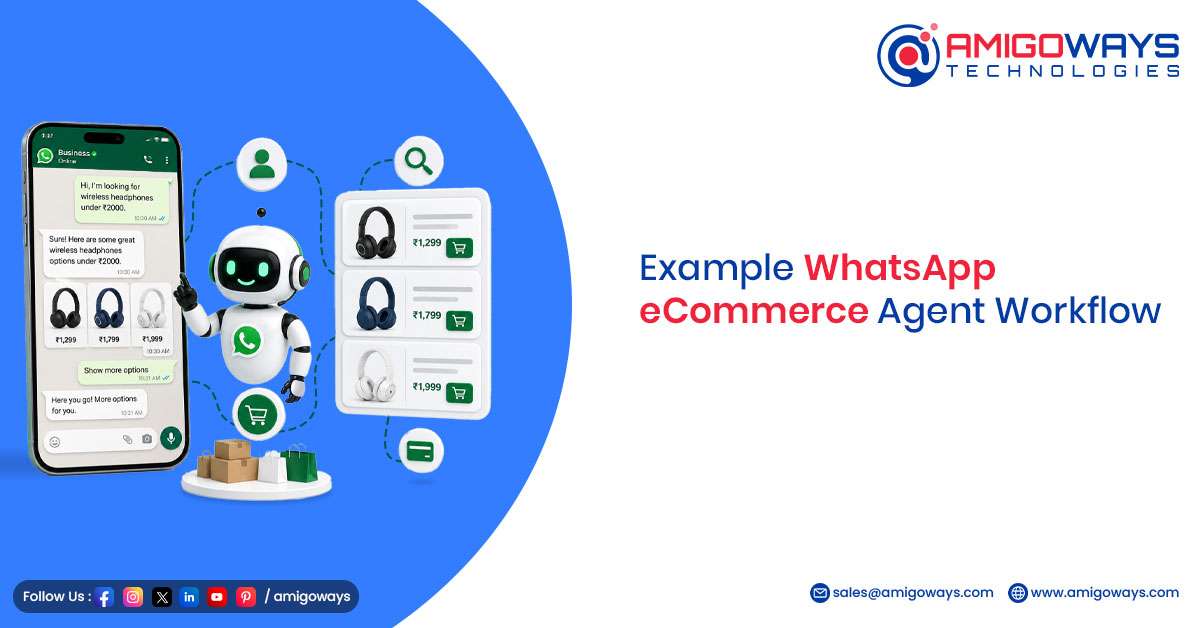
eCommerce AgentAn eCommerce WhatsApp Agent can:
Starting with a clearly defined purpose makes development easier and reduces unnecessary complexity. Step 2: Create Your Business Knowledge BaseYour WhatsApp Agent needs accurate information to provide useful answers. Create a structured knowledge base containing your business information. Company InformationInclude:
Product InformationInclude:
FAQ InformationInclude:
The quality of the knowledge base directly affects the quality of the chatbot’s responses. Step 3: Set Up the WhatsApp Business APIThe WhatsApp Business Platform provides the communication layer between WhatsApp and your software. Your application needs to receive incoming WhatsApp messages and send responses. The basic process is: Customer → WhatsApp → API → Webhook → Backend → Agent Logic → WhatsApp → Customer For example:
Step 4: Create a WhatsApp WebhookA webhook is an important part of the WhatsApp Agent architecture. It allows WhatsApp to notify your application when an event occurs. For example, your backend may have an endpoint such as: The webhook can receive information such as:
After receiving the message, your application processes it and generates the appropriate response. During development, first make sure that your webhook can successfully receive and process a WhatsApp message before adding advanced AI functionality. Step 5: Build a Basic Rule-Based WhatsApp AgentYou do not necessarily need AI from the beginning. A rule-based chatbot can be a good first version. For example: Customer: Hi Agent: Hello! Welcome to our business. How can we help you?
If the customer selects Products, the system can display product categories. If the customer selects Order Status, the system can request the order number. This approach is:
Once the basic chatbot is stable, AI capabilities can be added. Step 6: Add AI to Your WhatsApp AgentAI becomes useful when customers ask questions in different ways. For example:
A keyword-based chatbot may treat these as separate questions. An AI-powered agent can understand that these questions may represent the same intent. The architecture can become: WhatsApp → Webhook → Backend → AI → Business API/Database → Response → WhatsApp The AI should not be treated as the source of truth for business-critical information. Instead, the AI can understand the customer’s request while your backend retrieves verified information from your database or business API. For example: Customer: “Show me blue shirts below ₹2,000.” The AI can identify:
The backend can then search the product database and return suitable products. Step 7: Connect Your Product DatabaseFor an eCommerce business, connecting the WhatsApp Agent with the product database can significantly improve the customer experience. Instead of manually adding every product to the AI prompt, the backend can retrieve current information from the database. The workflow can be: Customer Request → AI Intent Detection → Backend → Product Database → Matching Products → WhatsApp Response The agent can display:
This approach also reduces the risk of providing outdated product information. Step 8: Add Lead GenerationA WhatsApp Agent can also work as an automated lead-generation assistant. For example: Agent: What service are you interested in? Customer: Website development. Agent: Great. May I know your name? The agent can collect:
The information can then be stored in your database or connected to a CRM system. This allows the WhatsApp Agent to support both customer service and sales activities. Step 9: Add Human Agent HandoverAutomation should not mean removing humans from the customer-support process. Some conversations require human assistance. For example:
If a customer says: “I want to speak with someone.” The system should provide a clear human-support option. The workflow can be: Customer Request → Create Ticket → Notify Support Team → Assign Agent → Human Conversation This creates a hybrid customer-support model where automation handles repetitive work while employees handle complex conversations. Step 10: Add Conversation HistoryConversation history helps the agent understand the context of a customer’s current request. For example: Customer: Show me smartphones under ₹20,000. Agent: Here are the available options. Customer: Which one has the best battery? The second question depends on the previous conversation. Your application can store relevant conversation information such as:
Only collect and retain customer information that your business actually needs, and handle customer data responsibly. Step 11: Test Your WhatsApp AgentTesting is one of the most important stages before launching your WhatsApp Agent. Test Normal Questions
Test Product Questions
Test Unexpected Messages
You should also test technical failures such as API errors, database errors, invalid order numbers, and AI timeouts. Step 12: Create Fallback ResponsesNo AI system understands every message perfectly. Therefore, your WhatsApp Agent should have fallback responses. For example: “I’m sorry, I couldn’t understand your request. Please select one of the options below or type ‘Agent’ to speak with our support team.” A fallback system prevents the chatbot from generating irrelevant answers. You can also use confidence-based routing. When the system is uncertain about a customer’s request, it can ask a clarification question or transfer the conversation to a human agent. Can You Build a WhatsApp Agent Completely Free?This is one of the most common questions. You can develop and test many parts of a WhatsApp Agent using free and open-source technologies. For example:
However, free development does not necessarily mean completely free production deployment. Depending on your setup, you may have costs related to:
Always verify the latest pricing and platform policies before deploying a commercial WhatsApp Agent. 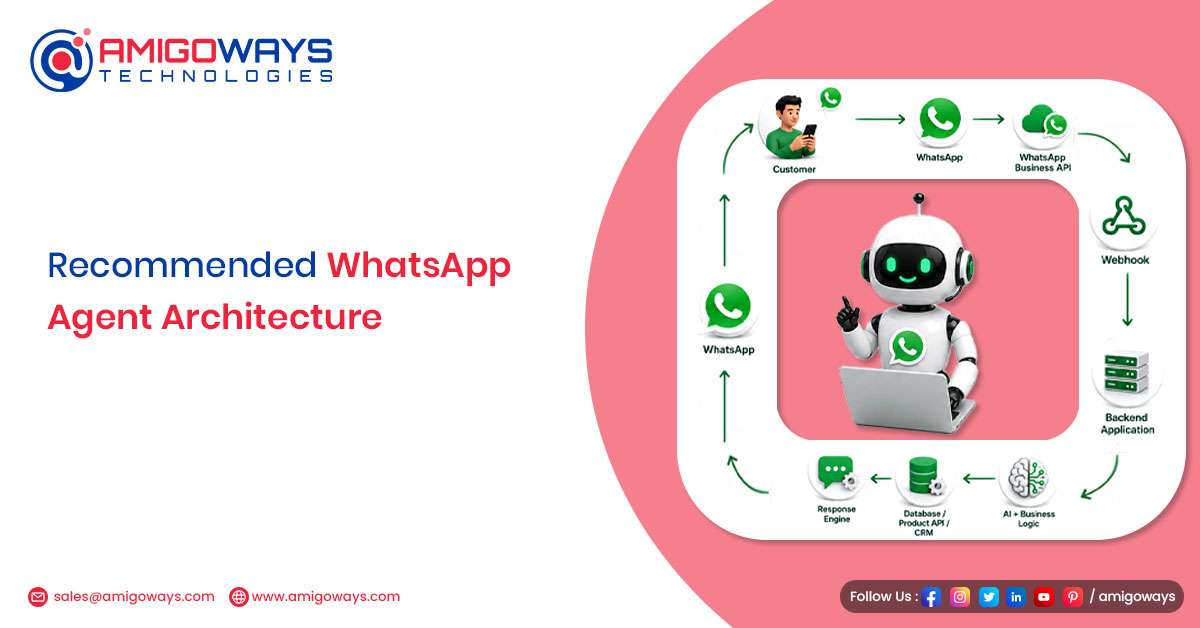 Recommended WhatsApp Agent ArchitectureA simple architecture for a WhatsApp Agent can look like this: Customer
| |